

Your health—in your hands
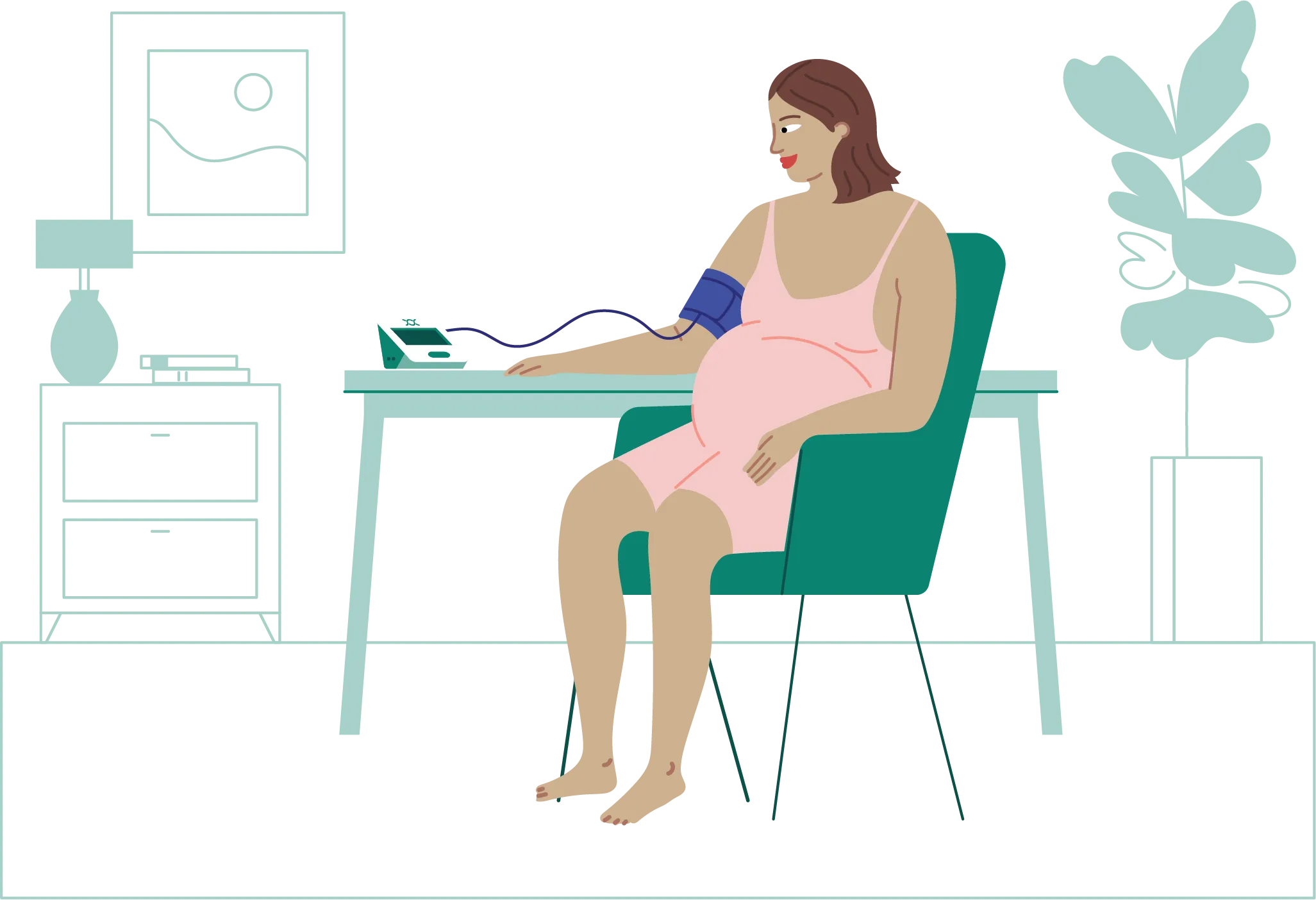
Hypertension affects about 10% of women during pregnancy, and it can pose various risks for mother and baby, including preeclampsia, reduced blood flow to the placenta, and even preterm birth. Self-monitoring your blood pressure allows for more real-time measurements in between your prenatal appointments and early intervention, if it’s needed.
What your reading means and what to do
(Normal)
(Slightly elevated)
(High)
If your second reading is:
- Between 140-149: seek care within 12 hours
- Between 150-159: seek care within 4 hours
- Above 160: seek care immediately
(Good)
(Low)
If your second reading is still low, seek care within 24 hours
(High)
If your second reading is still above 160, seek care immediately
How to stick with it
We know you’re busy. And remembering to measure your blood pressure every week is easier said than done. Here are some tips to help keep you on track.
Stay consistent
Pick a time during the week when you know you’ll have less interruptions and set an alarm as a reminder
Keep it close
Keep your monitor somewhere you can see it. If you’re a morning person, perhaps the kitchen counter. More of a night owl? Try the nightstand.
Do your best
Miss a day or week? Don’t sweat it. Just take a reading as soon as you can.
Ask us anything
We’re always here to answer your questions—and that starts now.
Maven will provide you with an at-home blood pressure monitor to use for the duration of your pregnancy. We recommend that you measure your blood pressure at least weekly or more frequently if instructed to do so by your provider. Each reading will also be sent electronically to Maven. If your blood pressure is high, you’ll receive a text message asking you to retest. If your blood pressure is still elevated, you’ll receive a second message prompting you to contact your in-person OB or Maven Care Advocate to speak with a Maven OB.
The program starts as soon as you receive your blood pressure monitor and concludes when you are 6 weeks past your anticipated due date. This reflects the period when there is risk of developing preeclampsia. At 6 weeks past your anticipated due date, we will send you a text message alerting you that your blood pressure measurements will no longer be sent to Maven. You may keep the blood pressure monitor and continue using it.
No, this program is offered for free.
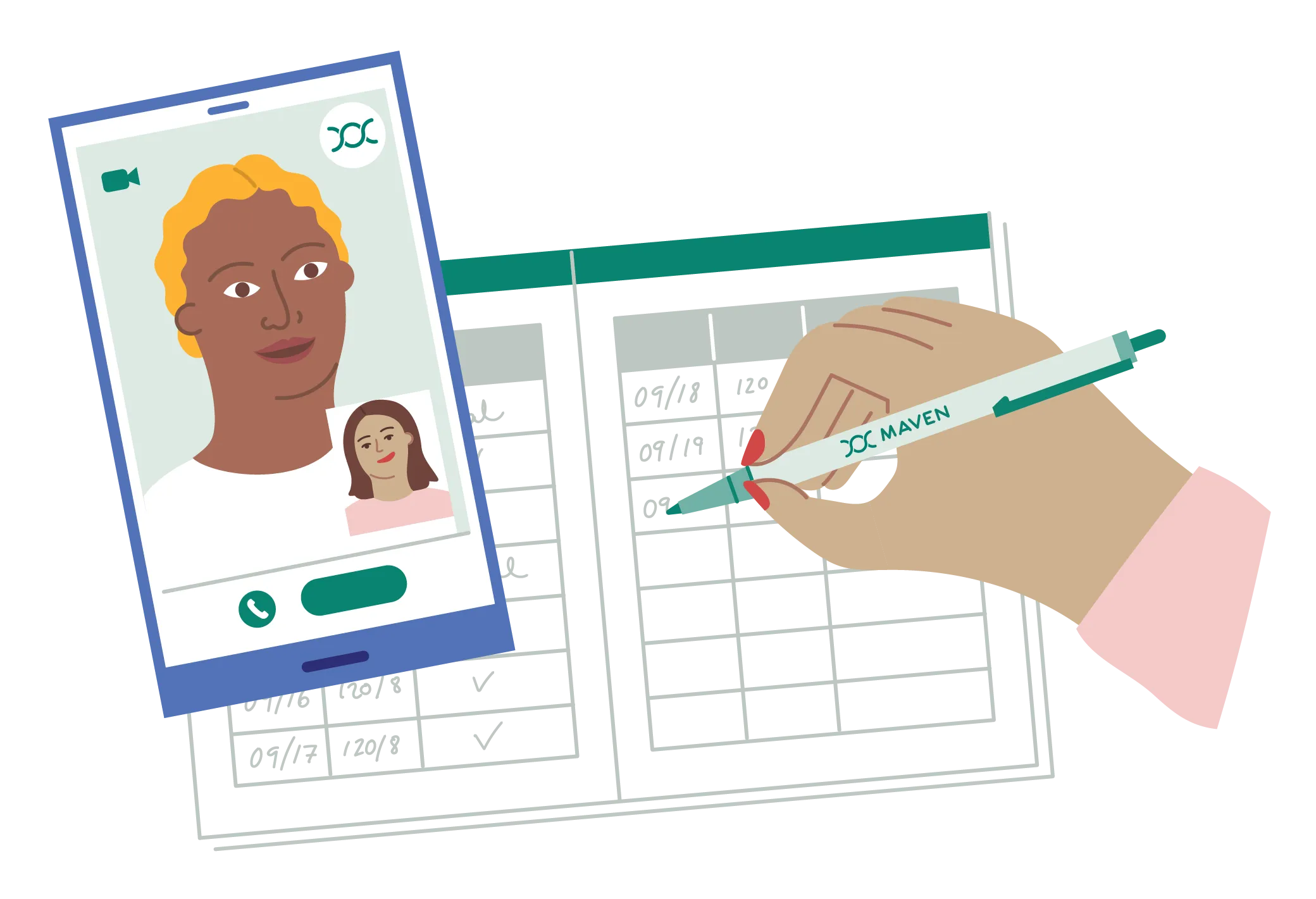
At-home blood pressure measurements typically do not replace in-office blood pressure measurements your OB will take at your in-person visits. However, you are encouraged to talk with your OB about the program (remember to give them the letter included with your monitor) and bring your Blood Pressure Log with you to in-person appointments.
In the back of the program booklet, you will find the Blood Pressure Log. Remember to record your blood pressure after each reading. You may bring your Blood Pressure Log with you to in-person appointments or even take a picture of the log and send the information to your OB.
Members will receive the kits 7-10 business days after submitting the enrollment form.
Your blood pressure reading is visible on the screen of your monitor and transmitted automatically to Maven. You do not need to do anything beyond taking a reading to transmit your reading to Maven. Be sure to record your measurements in the Blood Pressure Log provided.
If your blood pressure is abnormal, you’ll receive a text message asking you to retest. If your blood pressure is still abnormal, you’ll receive a second message prompting you to contact your in-person OB or Maven Care Advocate to speak with a Maven OB.
You can message your Care Advocate on the Maven app or email support@mavenclinic.com.
Certain employers have chosen not to offer the program to their members at this time.

Having issues with your monitor or need extra support?
Reach out to your Care Advocate any time or email support@mavenclinic.com.
Get support